
Gear
Starlink Mini Review
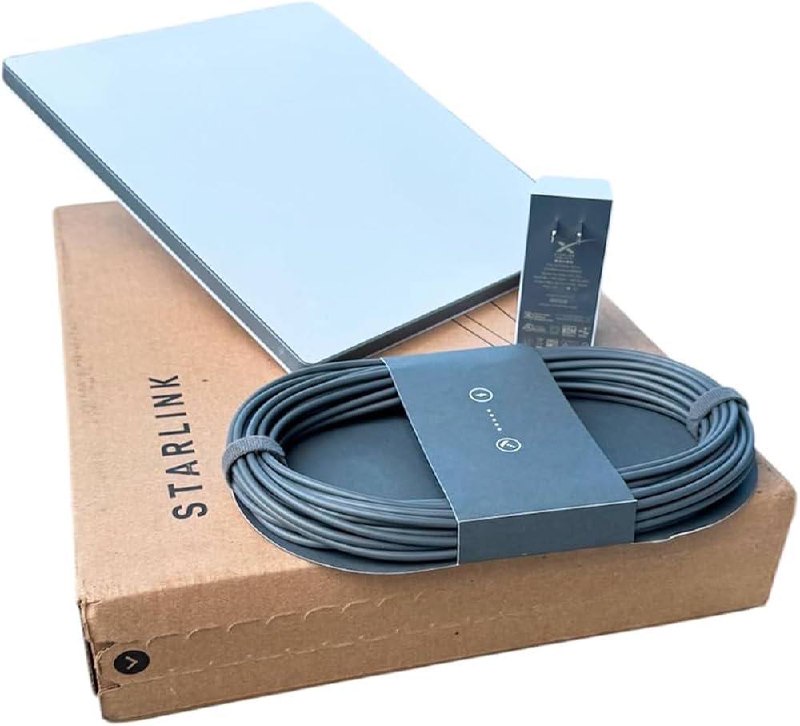
As digital nomads, reliable internet isn’t a luxury—it’s a utility as essential as water. We’ve struggled with hotel Wi-Fi, burned through mobile hotspots, and hunted for cafes with decent upload speeds across three continents. Enter the Starlink Mini.
This backpack-sized dish has completely changed our travel game. It’s small enough to fit in a carry-on, sets up in minutes, and delivers high-speed internet literally anywhere with a view of the sky.
The Packing Game: Carrying It On
One of the biggest questions we get is: “Is it actually portable?”
Yes. In terms of footprint, it’s about the same size as my 13-inch MacBook Pro, just with a bit of a bulge on the back where the kickstand and hardware live. I normally pack it flat right against my laptop in the tech sleeve of my carry-on backpack. It fits perfectly.
However, there is a catch: The stock cables. The power cord and brick that come in the box are very long and surprisingly bulky. If we are checking a bag, I’ll throw the stock power setup in there. But for a true carry-on-only setup, you need to optimize.
The “True Nomad” Setup: USB-C Power
To ditch the bulky brick, I run the Starlink Mini off a standard USB-C setup. This requires two specific things:
- The Cable: You need a specialized cable to go from USB-C to the Starlink barrel port. I use this one, and it works flawlessly.
- The Power Bank: This is critical. Your power bank must output at least 40W. Many standard phone chargers won’t cut it. I use this 65W power bank, and I consistently get 3–4 hours of Starlink use on a single charge.
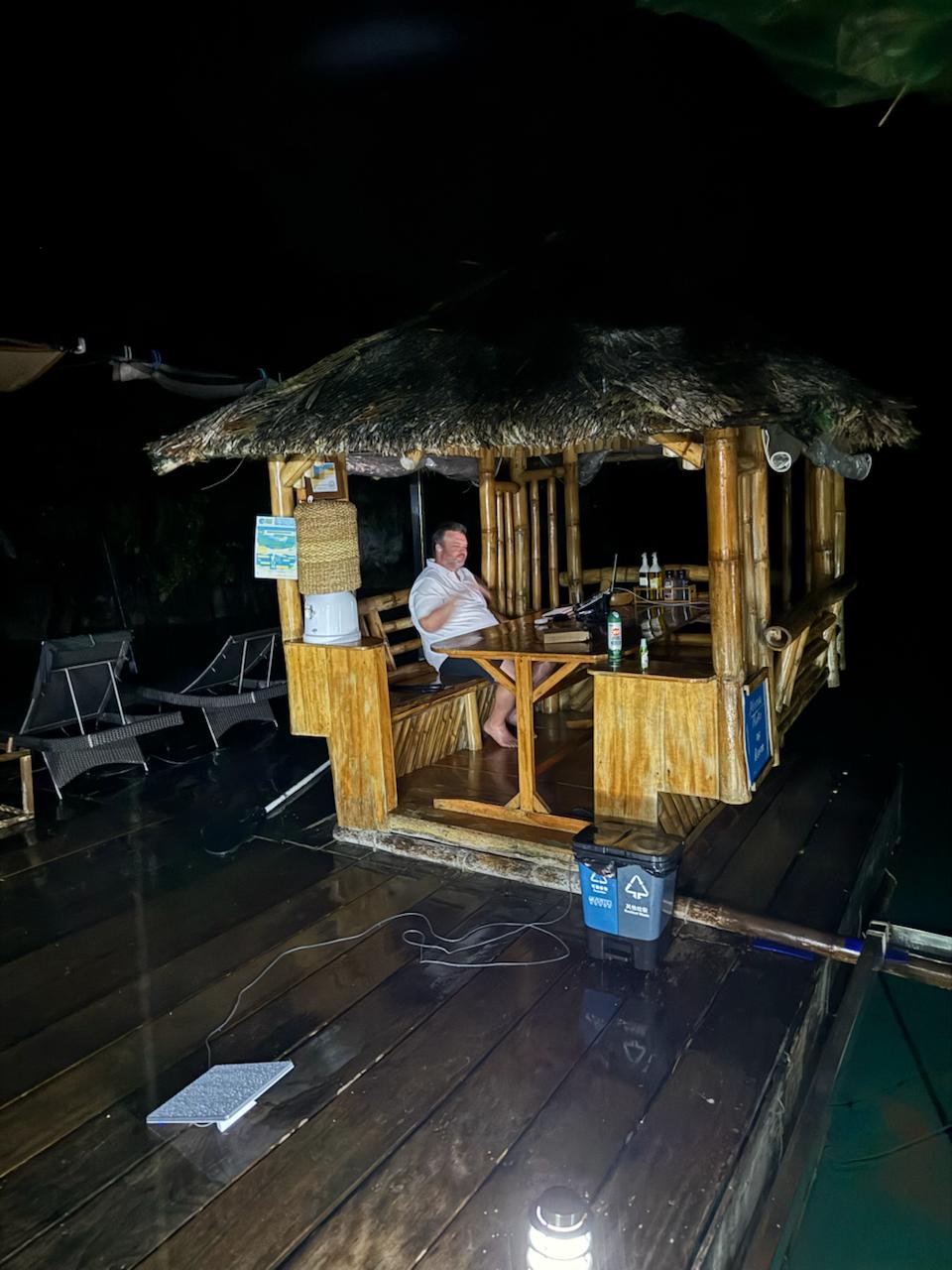
This setup gives us true freedom. We can set up on a beach, a park bench, or a remote patio without needing to hunt for a wall outlet.
The Service Plan: $5 Standby
Hardware is only half the equation. What makes this viable for us is the Roam Plan flexibility.
We are typically out of the country for 2–3 months a year. Paying for 12 months of satellite internet would be a waste. Starlink lets you toggle the service into a “standby” mode for just $5/month when you aren’t using it.
This is huge. We’ve been burned before—arriving at an Airbnb only to find the “high-speed Wi-Fi” is actually a DSL line from 2004. Now, we just keep the Starlink paused. If we arrive and the local internet is bad, I can plug in the dish, un-pause the service in the app, and be online in minutes. It’s the ultimate insurance policy.
The Challenges (It’s Not Perfect)
While we love it, there are real-world limitations you need to know about:
- Clear Sky Required: This isn’t cellular data. You need a physical line of sight to the satellites. If you are staying in a ground-floor apartment surrounded by tall buildings, or deep in a dense forest, it simply won’t work.
- Wind: The unit is incredibly lightweight (under 3 lbs). This is great for your back, but bad for stability. We’ve had it blown around in strong winds, so you sometimes need to get creative with securing it.
- The “China” Problem: Not every country is friendly to satellite equipment. China is a no-go. Do not try to bring this across the border. On a recent trip, I actually had to mail my Starlink ahead to our Airbnb in Japan just to avoid bringing it into China during a stopover. Check your local regulations before you fly.
Verdict
If you work from the road, the Starlink Mini is the best investment you can make. It’s not just about having internet; it’s about the freedom to say “yes” to destinations that used to be off-limits because of connectivity. Freedom is having an office view of the ocean and a perfect connection to your team back home.